How To Remove Emoji Scripts And Styles In WordPress Without A Plugin
Step 1: Open your functions.php file. Or an existing kitchen sink plugin.
This code can be added to your functions.php file, or to an existing plugin that is on your website (A kitchen sink plugin, if you would).Step 2: Insert the following code to remove emoji scripts.
You could also add this to a theme, if you are wanting to add it as an option! Anyways, the below code will remove any trace of the scripts and styles for WordPress' emoji's.remove_action( 'wp_head', 'print_emoji_detection_script', 10 ); remove_action( 'admin_print_scripts', 'print_emoji_detection_script' ); remove_action( 'wp_print_styles', 'print_emoji_styles' ); remove_action( 'admin_print_styles', 'print_emoji_styles' );If you have any questions on where to put this code, please feel free to ask them below or contact us and I will be able to help you!

Scott Hartley
Founder & CEO, Sert Media
Founder and CEO of Sert Media, a Nashville-based digital marketing agency. Scott has spent over 15 years helping businesses grow through SEO, web performance optimization, and strategic digital marketing. His deep expertise in WordPress development, site speed, and technical SEO has guided hundreds of brands toward measurable results. When he's not auditing Core Web Vitals or refining campaign strategies, he's writing about the tools, techniques, and trends shaping the modern web.
Related Articles
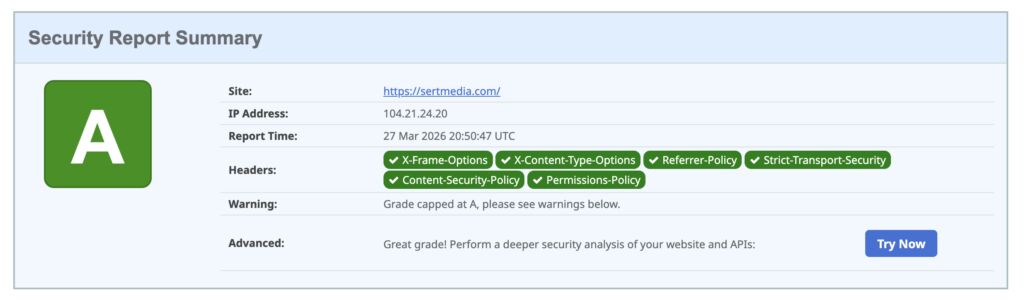
How to Add Security Headers to WordPress Using Cloudflare Transform Rules
If you've ever run your WordPress site through securityheaders.com and gotten a D or F…

Use This Cloudflare Rule To Reduce Plugin Hack Attempts
Cloudflare Firewall Rules give you a lot of flexibility in further protecting your website. Here…

Set Up Cloudflare's Automatic Platform Optimization Feature
Automatic Platform Optimization (APO) is a new feature from Cloudflare that allows you to cache…