Perfmatters Review
WordPress websites can be quite slow and often times this is because you're using a lot of large plugins or third-party scripts. Many times these scripts are loading on pages where they aren't even used. Take Contact Form 7 for example, by default it loads it's CSS & JS on all pages. Which is a waste if you're only using it on your contact us page and this isn't the only plugin that does this. In fact, most plugins and themes load their assets on all pages whether or not they are used.
Perfmatters aims to solve this and is overall a great companion to an existing caching solution you might be running. Perfmatters is not a caching plugin like WordPress Rocket instead it's meant to be a companion to one of those plugins by filling in the gaps that they typically don't offer. Perfmatters is focused on removing unused CSS & JavaScript from your WordPress website by disabling features you're not using. It also comes with a script management feature that I will get into later that is my favorite script management solution on the market.
Features
Perfmatters has quite a few features, the following.
- Disable scripts per page/post
- Disable scripts with Regex
- Disable plugins (MU mode) New
- Disable emojis
- Disable embeds
- Remove query strings
- Disable XML-RPC
- Remove jQuery migrate
- Remove WordPress version number
- Remove wlwmanifest link
- Remove RSD link
- Remove shortlink
- Disable RSS feeds
- Remove RSS feed links
- Remove Dashicons
- CDN Rewrite
- Disable Password Strength Meter
- Add blank favicon
- Disable Google Fonts
- Disable self pingbacks
- Disable WordPress Heartbeat API
- Change Heartbeat API frequency
- Disable and limit post revisions
- Disable REST API
- Remove REST API links
- Change autosave interval
- DNS prefetching
- Preconnect
- Disable WooCommerce scripts and styles
- Disable WooCommerce widgets
- Disable WooCommerce status meta box
- Disable WooCommerce cart fragments (AJAX)
- Disable Google Maps API
- Multisite support
- Change WordPress login URL
- Host Google Analytics locally
- Disable WordPress comments
- Remove comment URLs
- Lazy load images
- Add code to header or footer
Now, while thats the official list I am going to go over which of the features i find the most useful especially for those of you already running a caching plugin.
The Most Useful Features

Scott Hartley
Founder & CEO, Sert Media
Founder and CEO of Sert Media, a Nashville-based digital marketing agency. Scott has spent over 15 years helping businesses grow through SEO, web performance optimization, and strategic digital marketing. His deep expertise in WordPress development, site speed, and technical SEO has guided hundreds of brands toward measurable results. When he's not auditing Core Web Vitals or refining campaign strategies, he's writing about the tools, techniques, and trends shaping the modern web.
Related Articles
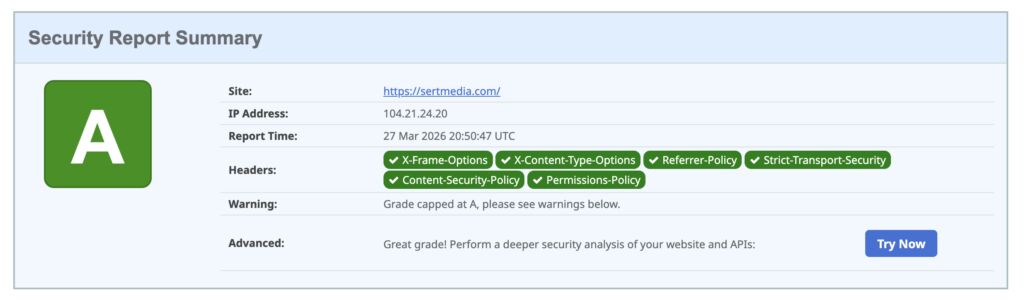
How to Add Security Headers to WordPress Using Cloudflare Transform Rules
If you've ever run your WordPress site through securityheaders.com and gotten a D or F…

Use This Cloudflare Rule To Reduce Plugin Hack Attempts
Cloudflare Firewall Rules give you a lot of flexibility in further protecting your website. Here…

Set Up Cloudflare's Automatic Platform Optimization Feature
Automatic Platform Optimization (APO) is a new feature from Cloudflare that allows you to cache…