How To Disable The WordPress Rest API For Non-Logged In Users
WordPress added the Rest API in version 4.4 and the endpoints were later added in 4.7. This was a blessing and
However, there are some plugins that make use of it to do cool things. For example, WordPress Popular Posts uses it to count view counts.
Performance wise, when you are not making use of the Rest API, it is better to disable it altogether to save on server resources. However, I do not recommend disabling it for logged in users. This will cause breakage and other issue you really don't want to have to deal with.
To disable the Rest API add the following lines of code into one of the following places:
1. functions.php file (in your child theme).
2. A site-specific plugin.
3. Download my plugin at the end of this blog post.
Keep in mind this will break anything that depends on the Rest API. This includes plugins like WordPress Popular Posts, Disqus' Comment Sync, and more. You should only use this if you are certain the Rest API functionality is not being used.
This code will remove the default links (as well as legacy links). When someone tries to access any of the Rest API endpoints, they will receive an error notifying them that the Rest API is restricted to logged in users.
This can greatly reduce resource usage on larger sites. Larger websites are known to get overloaded by traffic spam to the Rest API.
You can download my plugin if you want to avoid adding code yourself!

Scott Hartley
Founder & CEO, Sert Media
Founder and CEO of Sert Media, a Nashville-based digital marketing agency. Scott has spent over 15 years helping businesses grow through SEO, web performance optimization, and strategic digital marketing. His deep expertise in WordPress development, site speed, and technical SEO has guided hundreds of brands toward measurable results. When he's not auditing Core Web Vitals or refining campaign strategies, he's writing about the tools, techniques, and trends shaping the modern web.
Related Articles
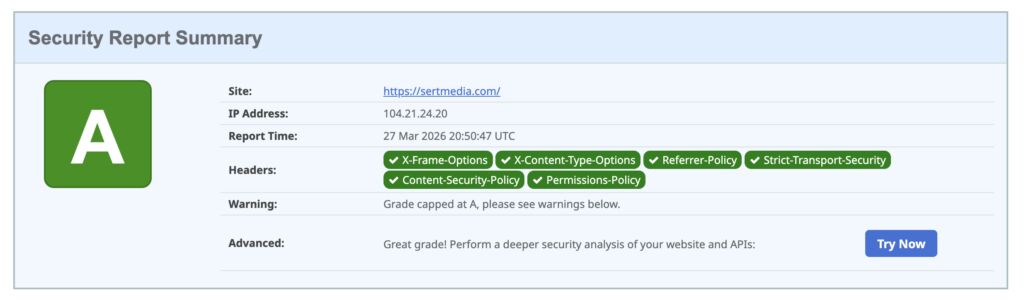
How to Add Security Headers to WordPress Using Cloudflare Transform Rules
If you've ever run your WordPress site through securityheaders.com and gotten a D or F…

Use This Cloudflare Rule To Reduce Plugin Hack Attempts
Cloudflare Firewall Rules give you a lot of flexibility in further protecting your website. Here…

Set Up Cloudflare's Automatic Platform Optimization Feature
Automatic Platform Optimization (APO) is a new feature from Cloudflare that allows you to cache…