How To Disable Contact Form 7 Refill
Contact Form 7 is one of the most popular WordPress plugins on the market. With over 5 million active installations, it's a power house. The plugin is 100% free and maintained by Takayuki Miyoshi. It is no wonder its a common choice for any website that needs a basic contact form.
However, recently, posts have been circulating around the internet suggesting that you should remove Contact Form 7 to improve your website's performance. Contact Form 7 is arguably not the fastest plugin out of the box, but this is not because of its CSS or JavaScript files loading.
The issues with Contact Form 7 started circulating around July 2018 with a plugin update. The purpose of the update was to solve caching issues and the forms captcha feature. However, in conjunction with the release, users started scouring the forums to find a way to disable the refill functionality. Some went as far as editing the plugins' code directly (I highly advise against doing this).
- 500 error with contact form 7 refill
- Contact Form 7 and WooCommerce JSON refill 404 Error
- Contact Form 7 /wp-json/ 404 Error
- Browser Caching Pagespeed Warning using Contact Form 7
The list quite literally goes on and on with issues pertaining to the refill feature. Let's explore the refill feature a bit. We will go over the who, what, and why of the refill feature. Lastly, I will show you how to disable the Contact Form 7 refill feature.
What Causes It To Use Refill?
The refill function only loads when you're using some sort of page caching functionality. This is why if you are trying to debug a script while logged in, you never see the calls to it.
The purpose of the refill functionality is to prevent issues with the plugins captcha when making use of page caching. That is if you were using a dedicated caching plugin and the captcha built into Contact Form 7. The refill functionality is actually quite an intelligent fix. It is amazing at preventing mail from being lost. However, with tools such as Akismet, it might not be a good fit for all websites.
Furthermore, if you're not using the captcha functionality, but you are caching your pages, this call will load multiple times on every page load. This can hammer your web server.
Yes, It's Hurting My Server. What Do I Do?
The solution is so simple, that it is almost sad. It is easily missed if you only glanced over the code in Contact Form 7. To disable the refill feature in Contact From 7, you need to add custom JavaScript. To add the custom JavaScript, insert this code into a plugin like Insert Headers and Footers or into a custom JavaScript slot in your theme.
<script>
wpcf7.cached = 0;
</script>
This small snippet of code tells Contact Form 7 that "X" page is not cached, so it does not need to load the refill functionality. Just make sure you're loading this in the footer of your page and it should work without a hitch.
Note: After adding the code, you will need to clear your cache.
Closing Thoughts
One thing, that people tend to misunderstand about Contact Form 7 is they think it's inherently slow. In fact, Contact Form 7 is one of the leanest contact form plugins on the market and that's because it's also one of the most basic contact form plugins.
The plugin has no builder, no giant CSS files, and no large JavaScript files. It's just dumb with how it loads its files and

Scott Hartley
Founder & CEO, Sert Media
Founder and CEO of Sert Media, a Nashville-based digital marketing agency. Scott has spent over 15 years helping businesses grow through SEO, web performance optimization, and strategic digital marketing. His deep expertise in WordPress development, site speed, and technical SEO has guided hundreds of brands toward measurable results. When he's not auditing Core Web Vitals or refining campaign strategies, he's writing about the tools, techniques, and trends shaping the modern web.
Related Articles
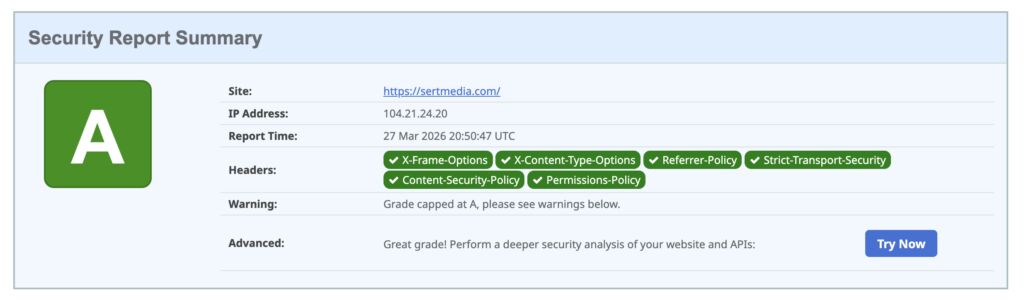
How to Add Security Headers to WordPress Using Cloudflare Transform Rules
If you've ever run your WordPress site through securityheaders.com and gotten a D or F…

Use This Cloudflare Rule To Reduce Plugin Hack Attempts
Cloudflare Firewall Rules give you a lot of flexibility in further protecting your website. Here…

Set Up Cloudflare's Automatic Platform Optimization Feature
Automatic Platform Optimization (APO) is a new feature from Cloudflare that allows you to cache…