How To Change The "Leave A Reply" Text In WordPress
Easy Method to Change the "Leave a Reply" Text
Follow the following steps using the WP-Admin panel.-
- Log into WordPress.
- Open the "Appearance" section on the menu on the left-hand side and click editor.
- Click the comments file (it should read as comments.php).
- If you are on Windows hit Control F to search for "Leave a Reply." Hit enter to search.
- Locate the line that reads as the following: "<?php comment_form_title( __('Leave a Reply'." Some themes might have slightly different code wrapped around it, but you want to find the form_title with the Leave A Reply text.
- Edit the title to whatever you wish.
- Click update and the settings will be saved.
- Reload your website in order to verify the changes were made.
Harder Method to Change the "Leave a Reply" Text (I recommend this!)
This is the recommended way of changing the text, but it is harder. To do this correctly, do the following:- Create a child theme.
- Add the new file to the child theme. It prevents the file from being erased in future theme updates.

Scott Hartley
Founder & CEO, Sert Media
Founder and CEO of Sert Media, a Nashville-based digital marketing agency. Scott has spent over 15 years helping businesses grow through SEO, web performance optimization, and strategic digital marketing. His deep expertise in WordPress development, site speed, and technical SEO has guided hundreds of brands toward measurable results. When he's not auditing Core Web Vitals or refining campaign strategies, he's writing about the tools, techniques, and trends shaping the modern web.
Related Articles
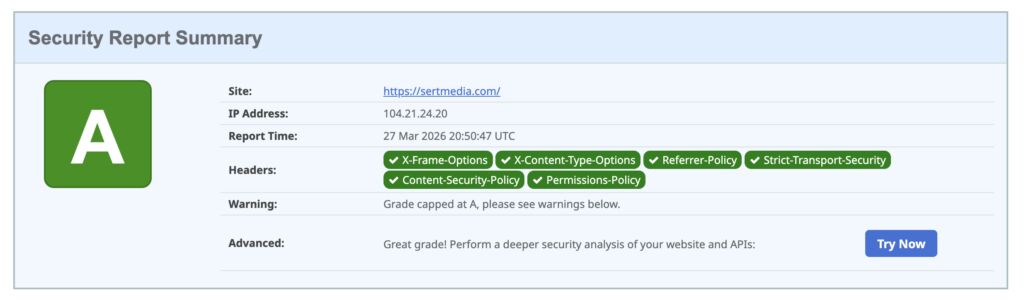
How to Add Security Headers to WordPress Using Cloudflare Transform Rules
If you've ever run your WordPress site through securityheaders.com and gotten a D or F…

Use This Cloudflare Rule To Reduce Plugin Hack Attempts
Cloudflare Firewall Rules give you a lot of flexibility in further protecting your website. Here…

Set Up Cloudflare's Automatic Platform Optimization Feature
Automatic Platform Optimization (APO) is a new feature from Cloudflare that allows you to cache…
2 Comments
Really enjoyed your piece on "How To Change The "Leave A Reply" Text In WordPress - SERT Media"; thanks for sharing.
Nice and clear guide. I didn’t realize the “Leave a Reply” text could be changed so easily through theme files, but using a child theme definitely seems like the safer long-term approach.